











Flow AI plansSave up to 50% with yearly plansView pricing
AI video creation for social, marketing, and creative projects

Flow AI Video: turn your idea into a video

Turn your prompt or photo into a product video, social clip, or story scene with Flow AI Video. Choose Kling, Veo, or Seedance, direct the motion, and preview the credit cost before you create.

Optional
⇄
Optional
40 credits

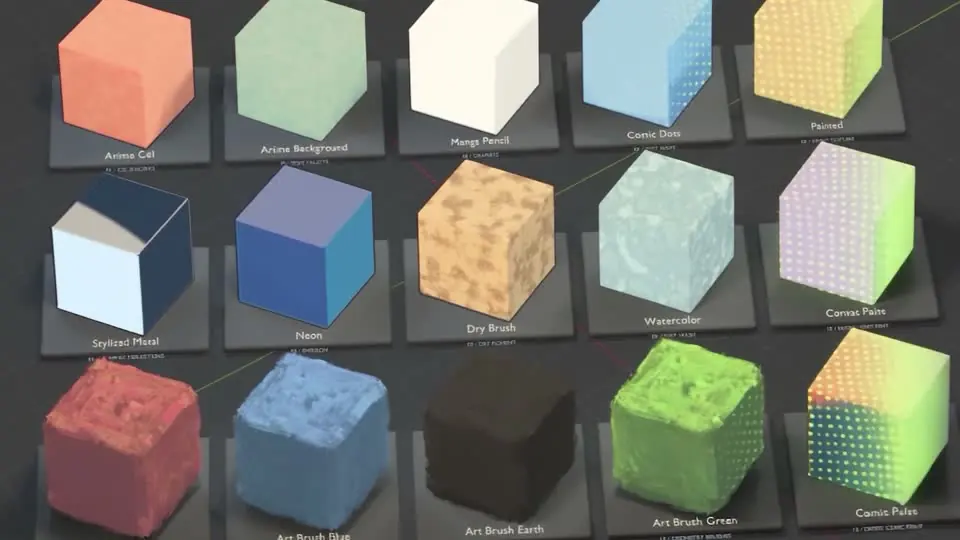
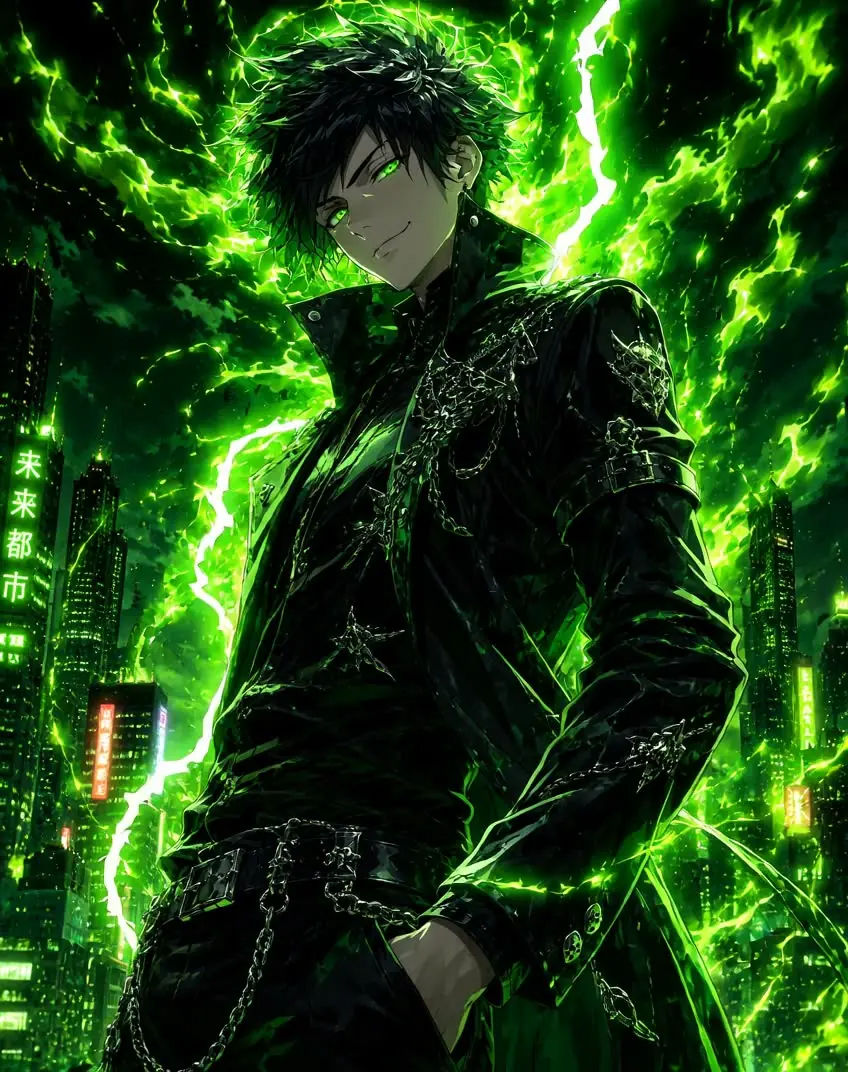
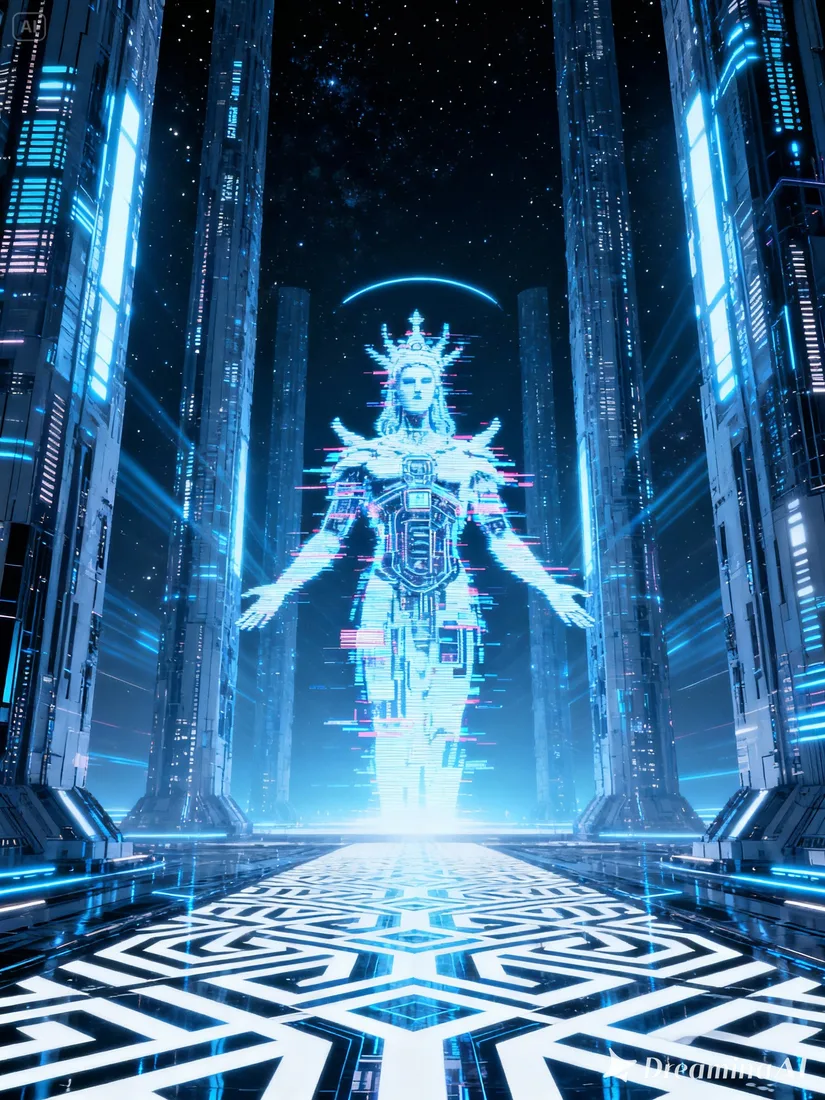
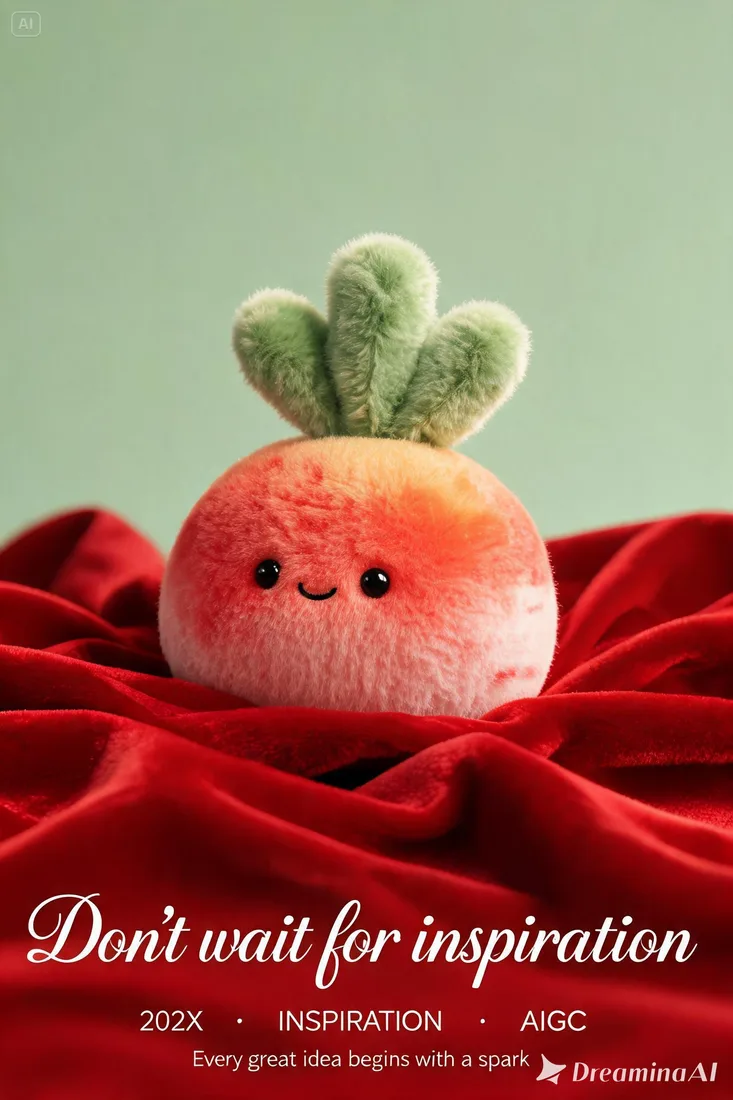
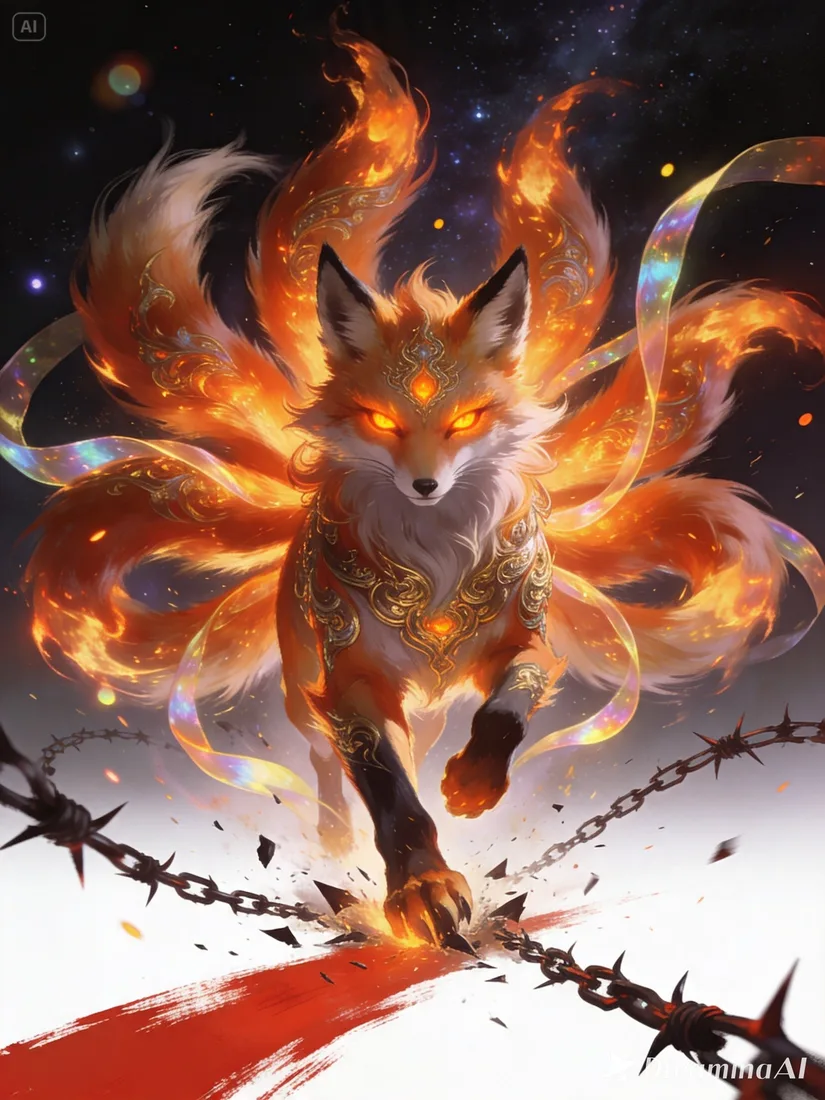
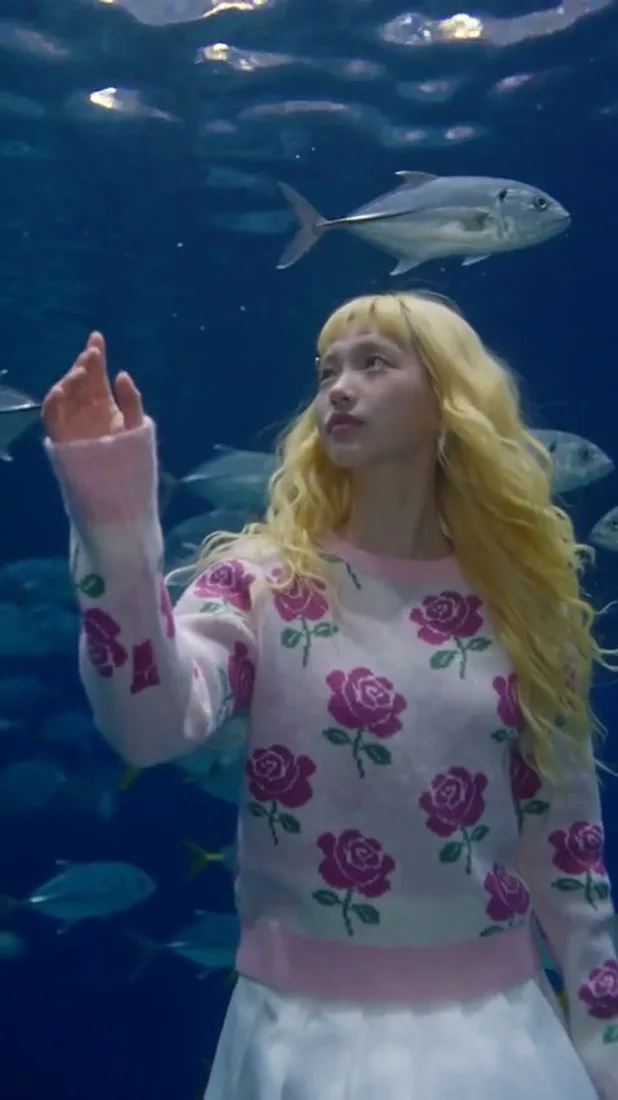
Explore visual styles

Browse visual examples, then start with a prompt or image in the generator above.

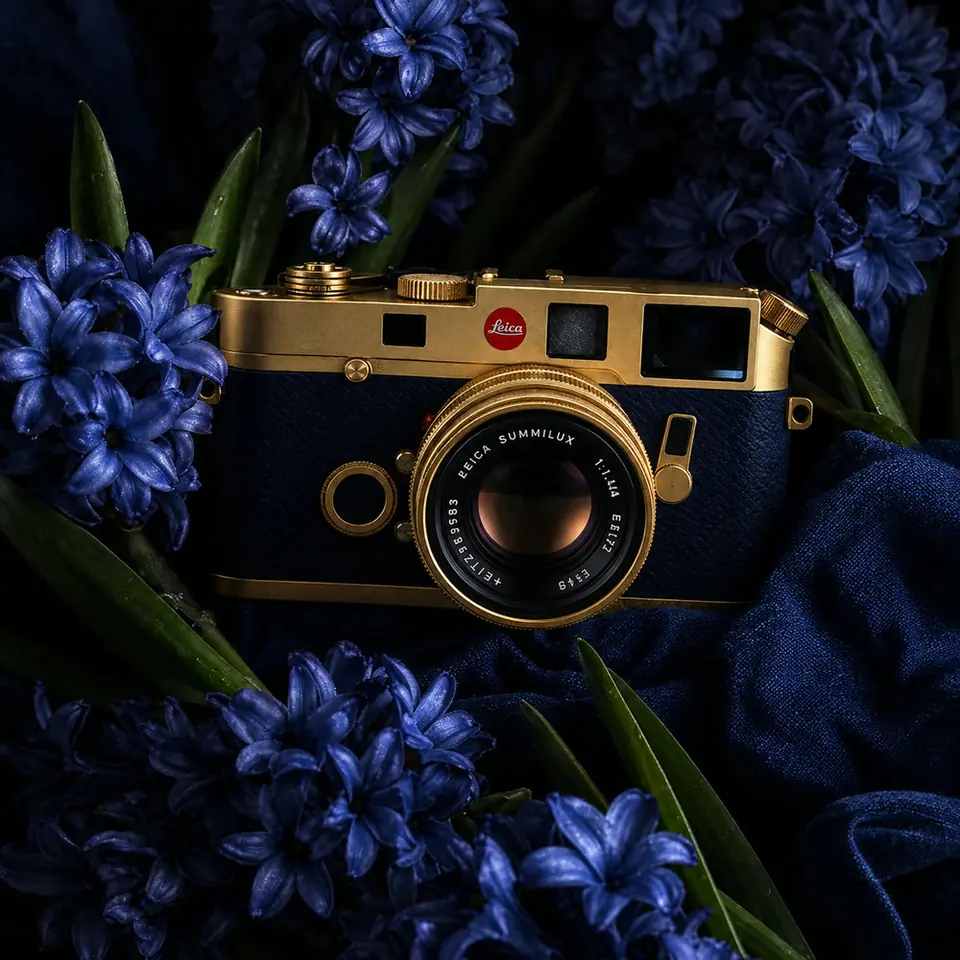
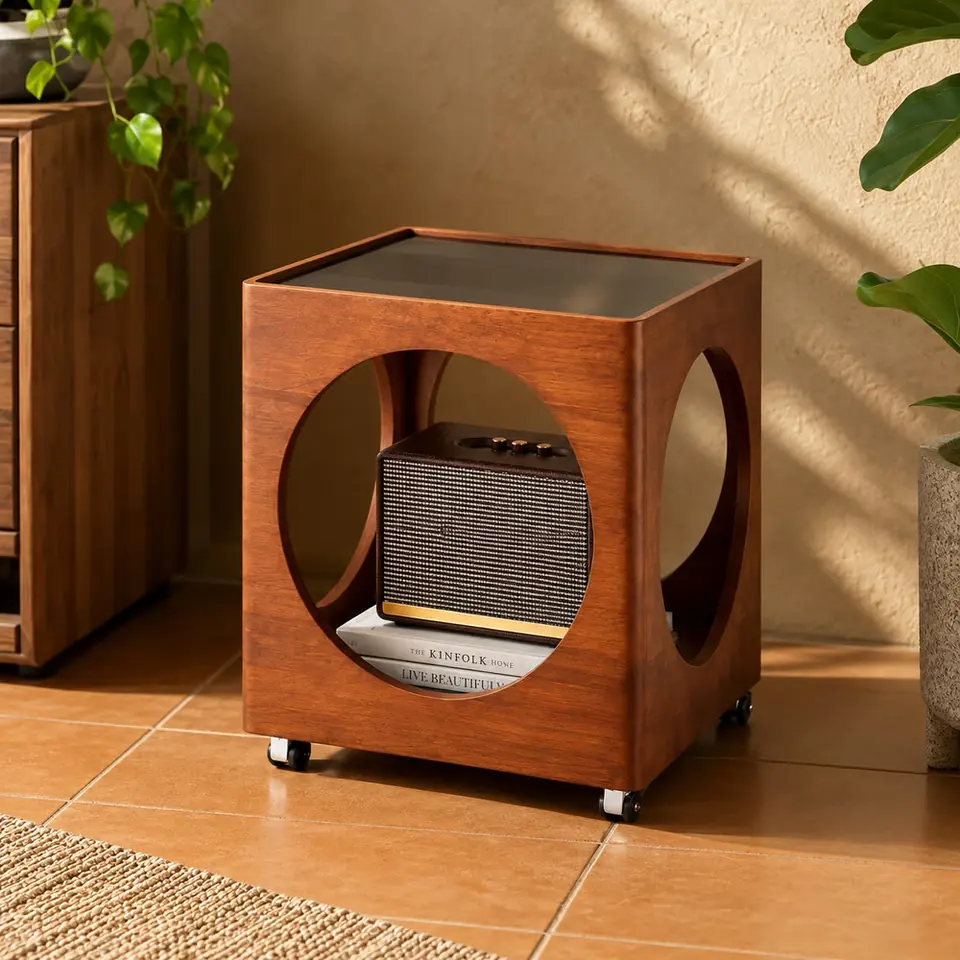
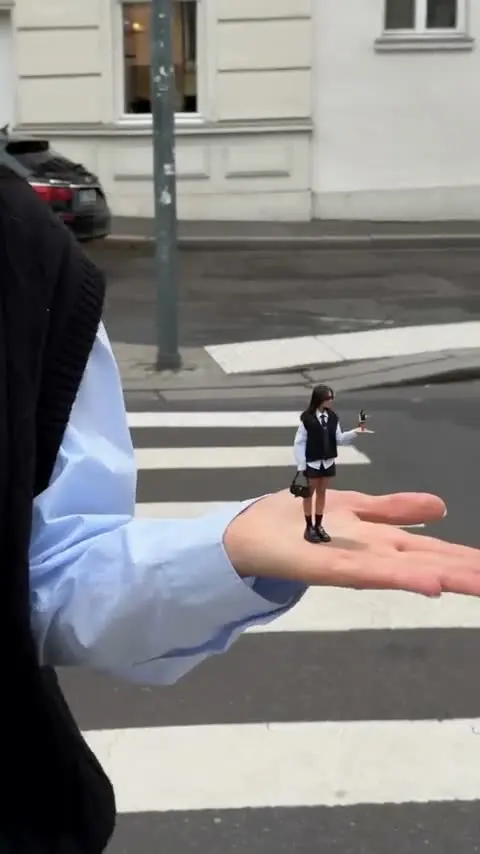
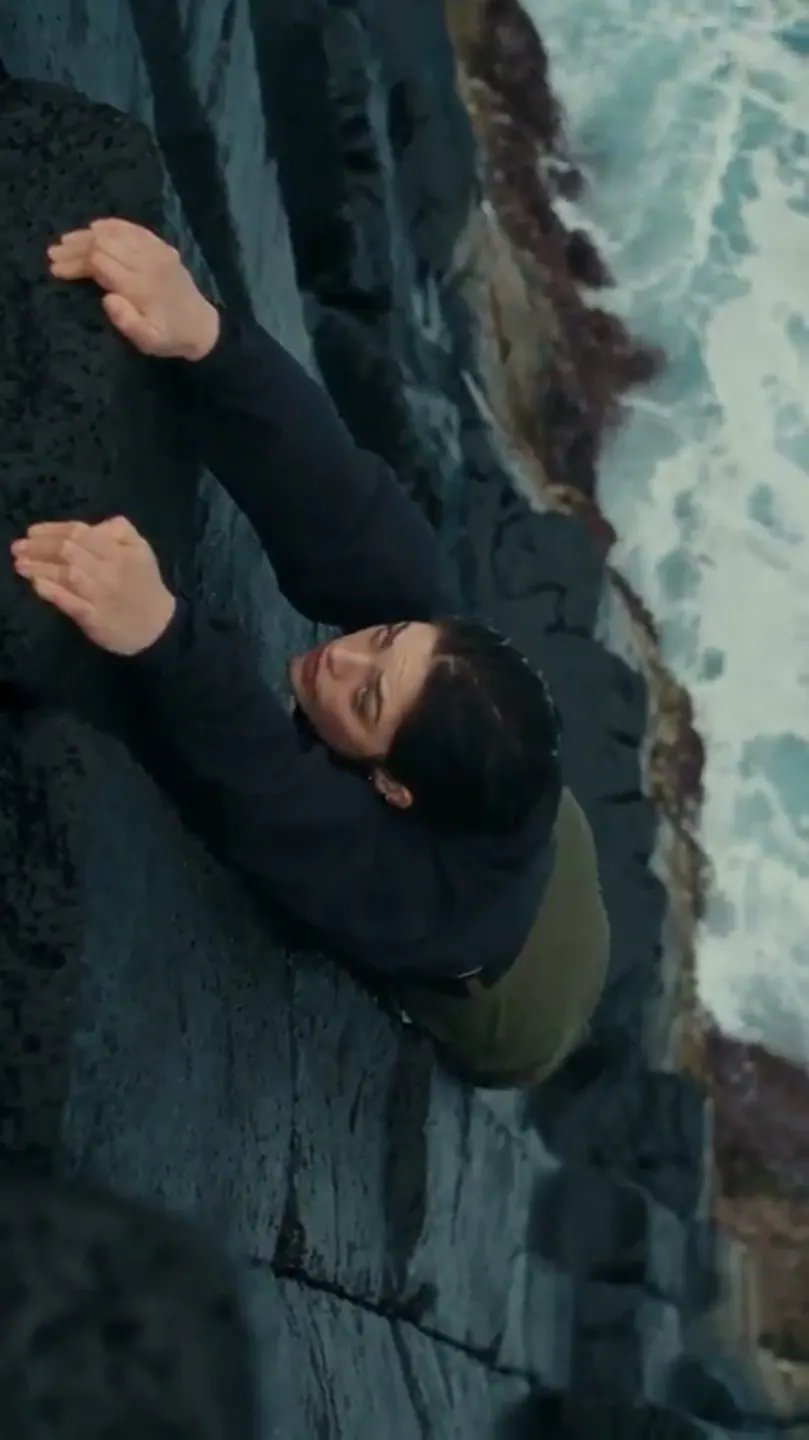
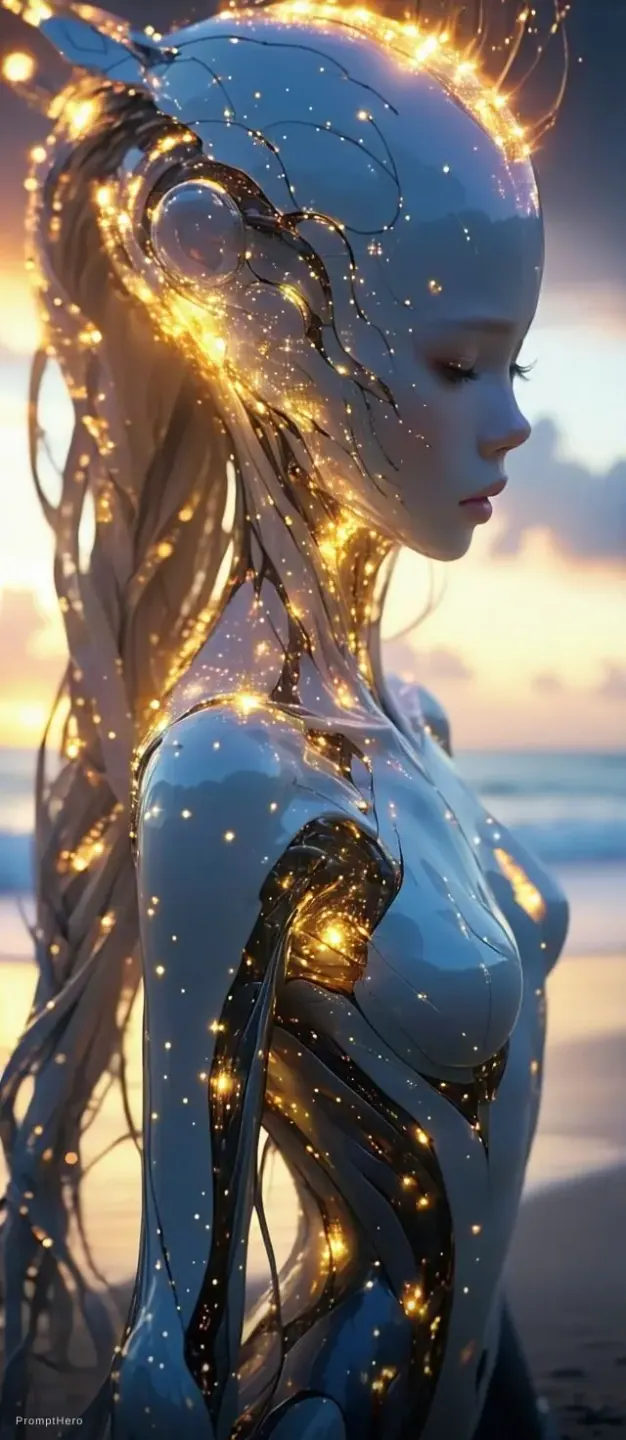
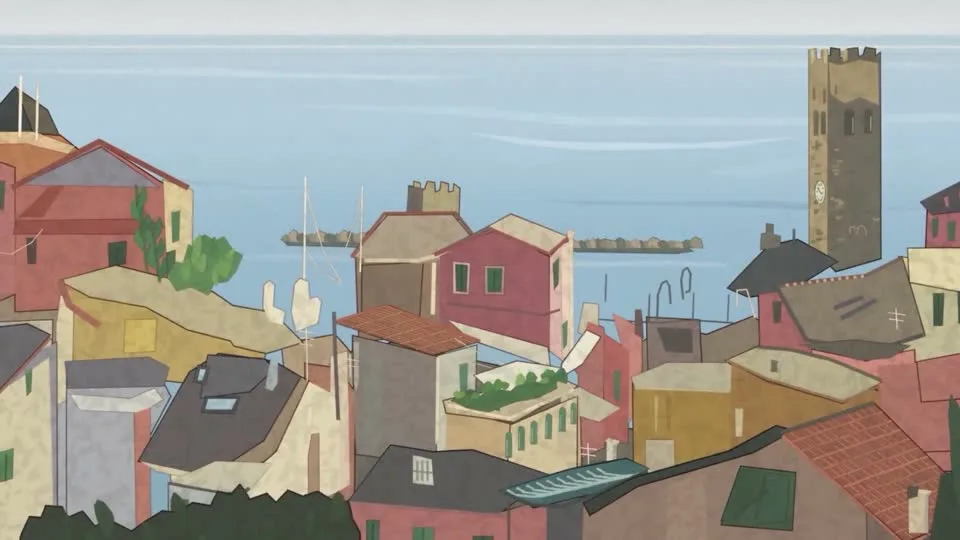
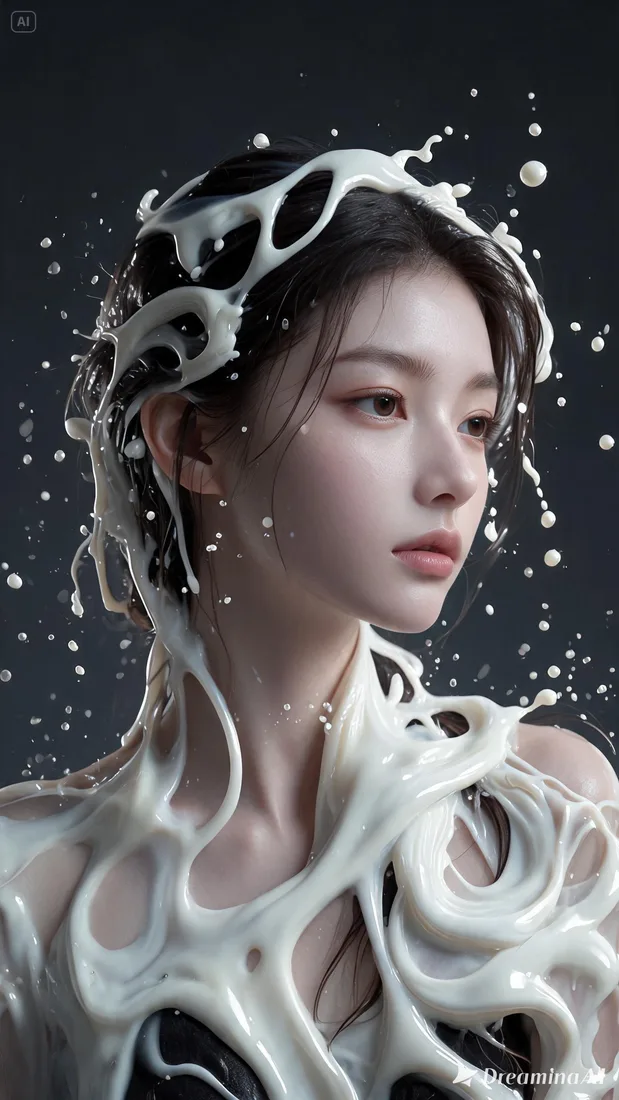
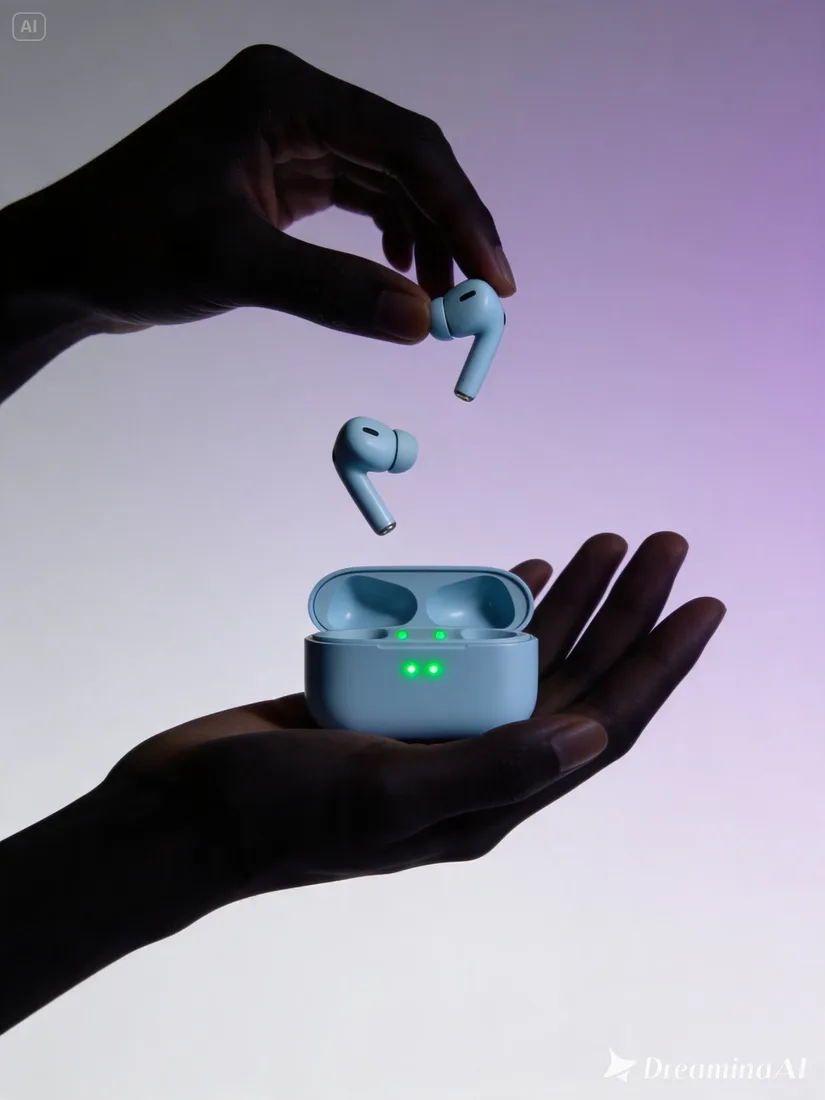
AI image creation example 1
AI image creation example 2
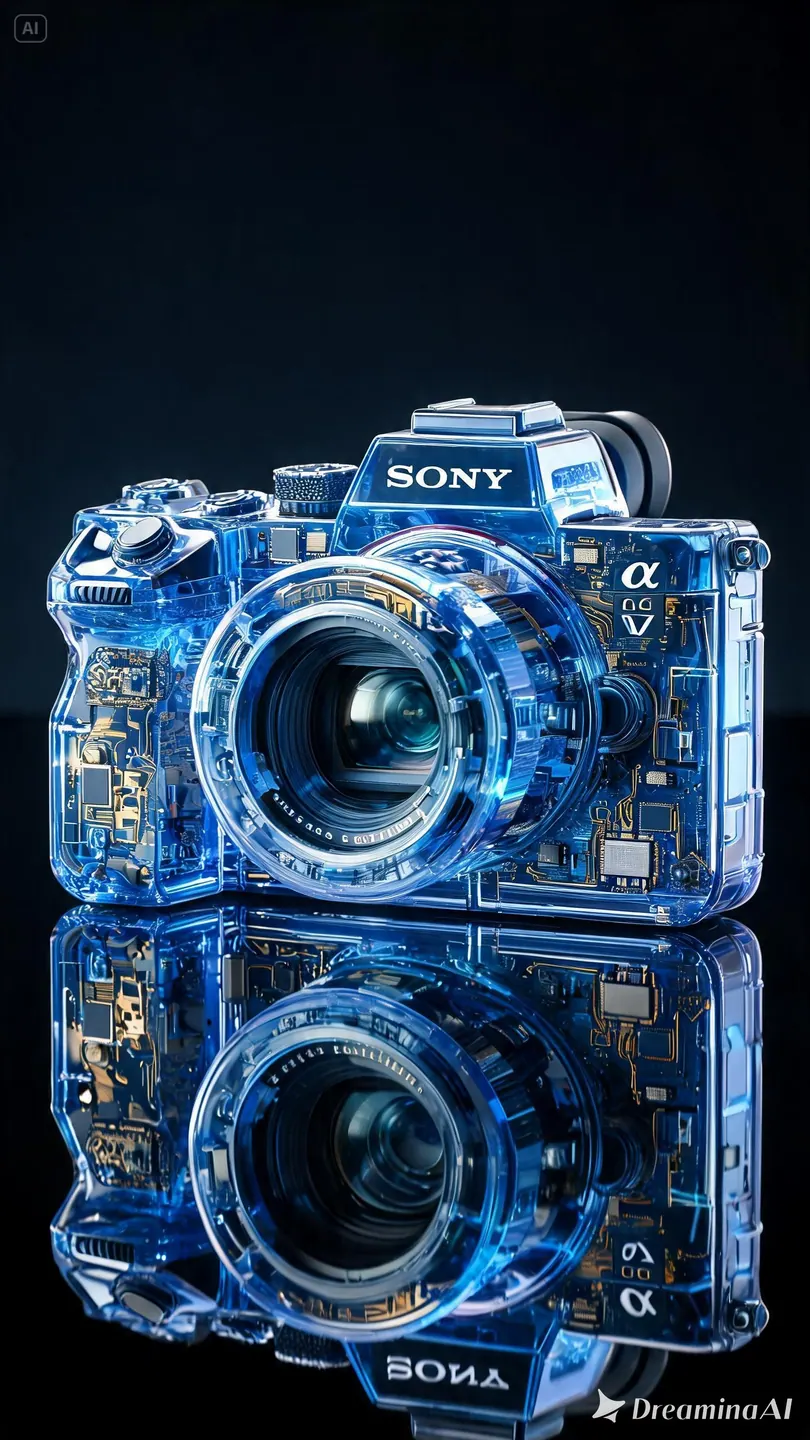
AI image creation example 3
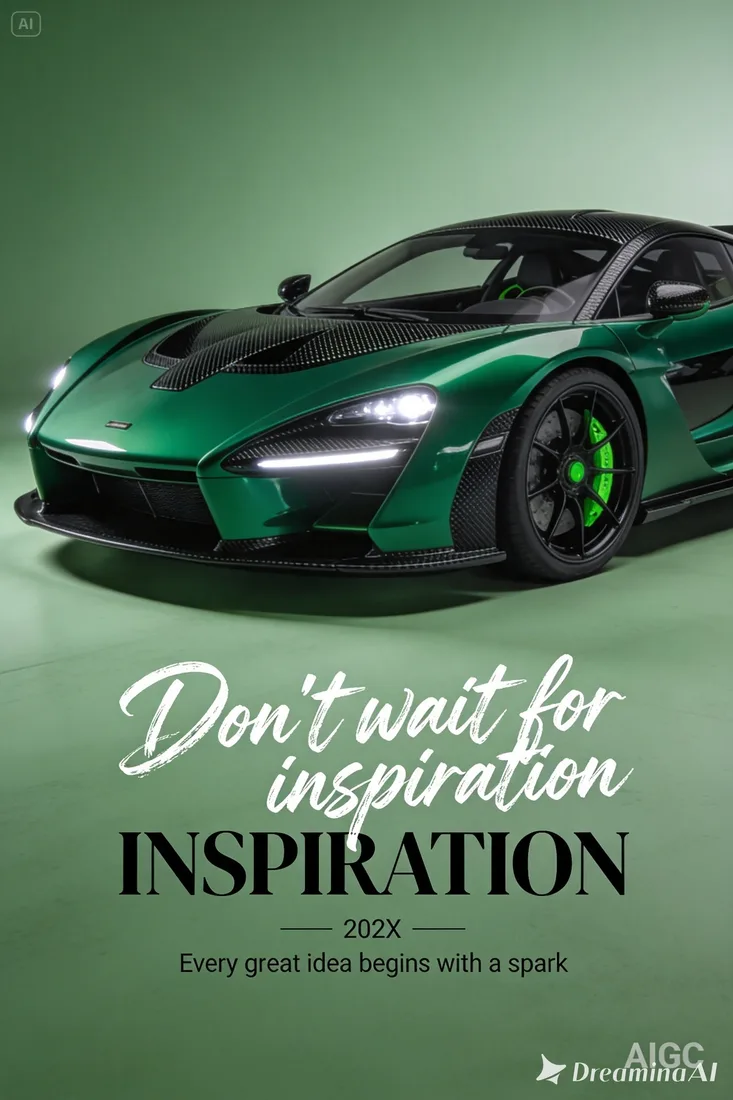
AI image creation example 4
AI image creation example 5
AI image creation example 6
AI image creation example 7
AI image creation example 8
AI image creation example 9
AI image creation example 10
AI image creation example 11
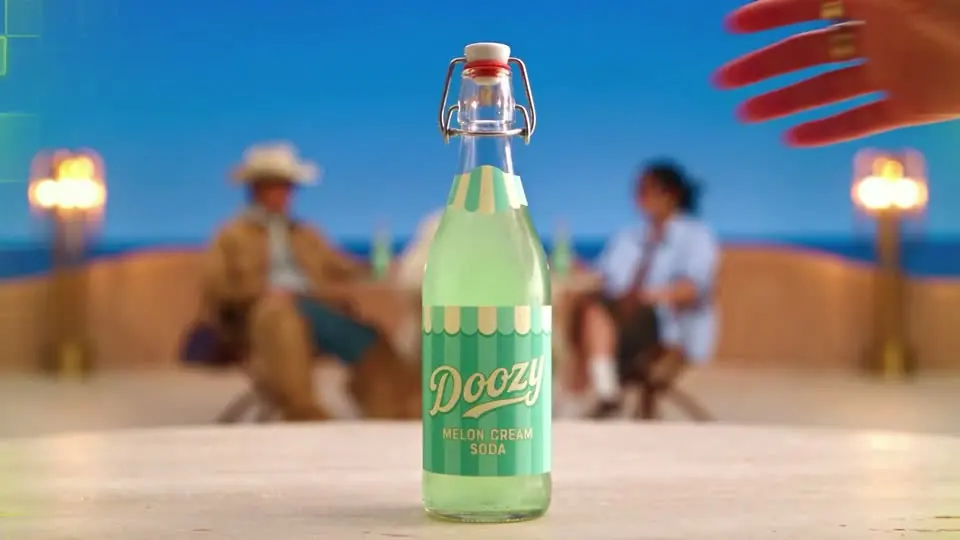
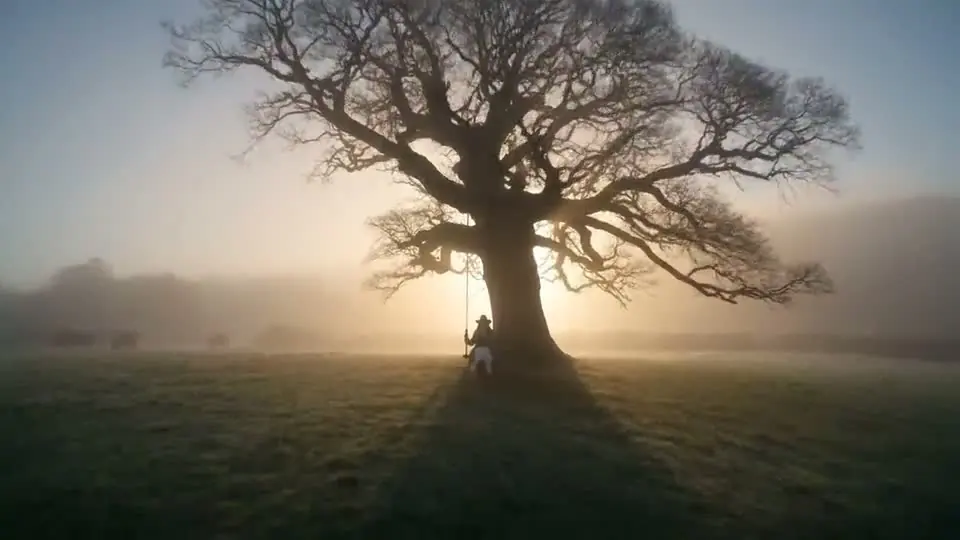
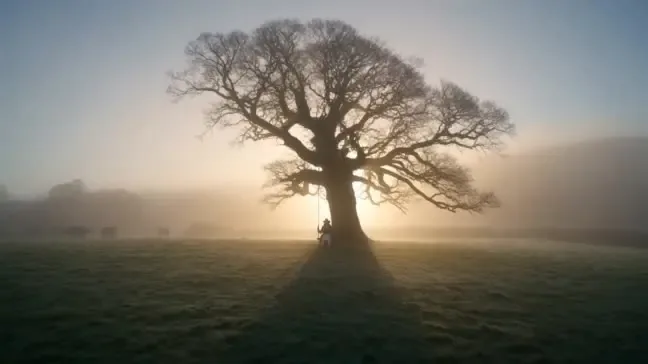
AI video creation example 1
AI video creation example 2
AI video creation example 3
AI video creation example 4
AI video creation example 5
AI video creation example 6
AI video creation example 7
AI video creation example 8
AI video creation example 9
AI video creation example 10
AI video creation example 11
AI video creation example 12

Create in a few simple steps

How to create with Flow AI Video

Start your Flow AI Video project with one clear shot. Add a prompt or image, choose supported settings, and review the estimate before you generate.

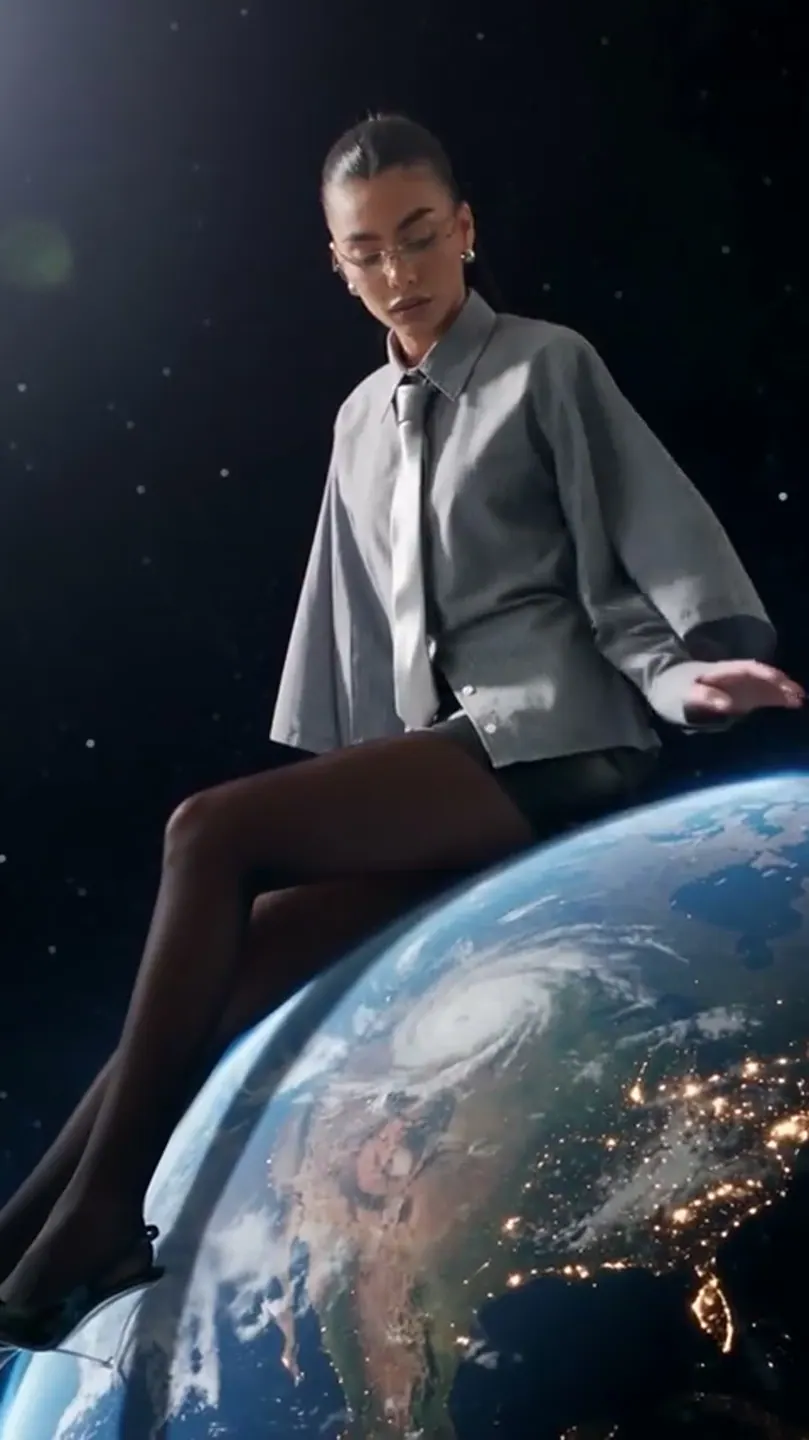
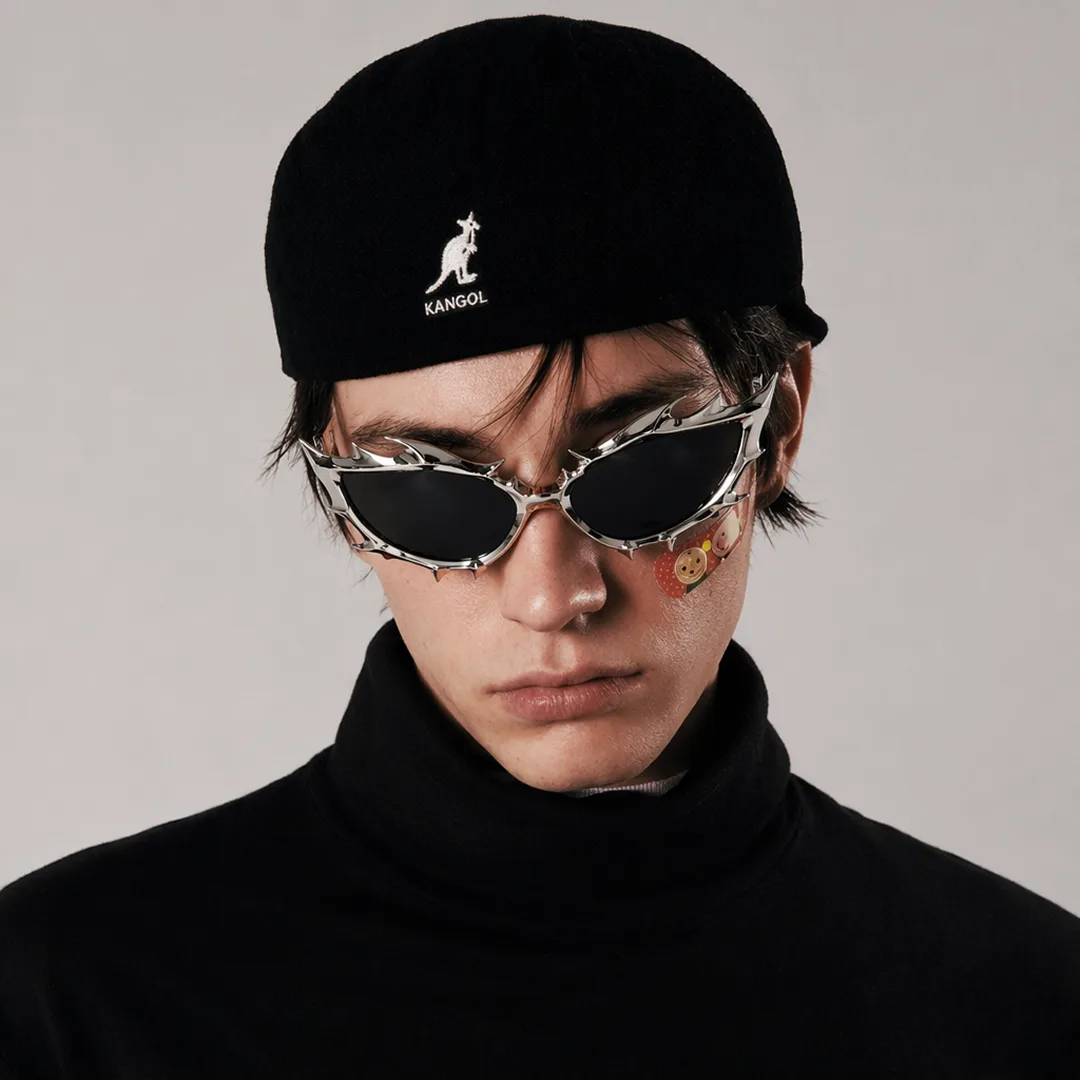
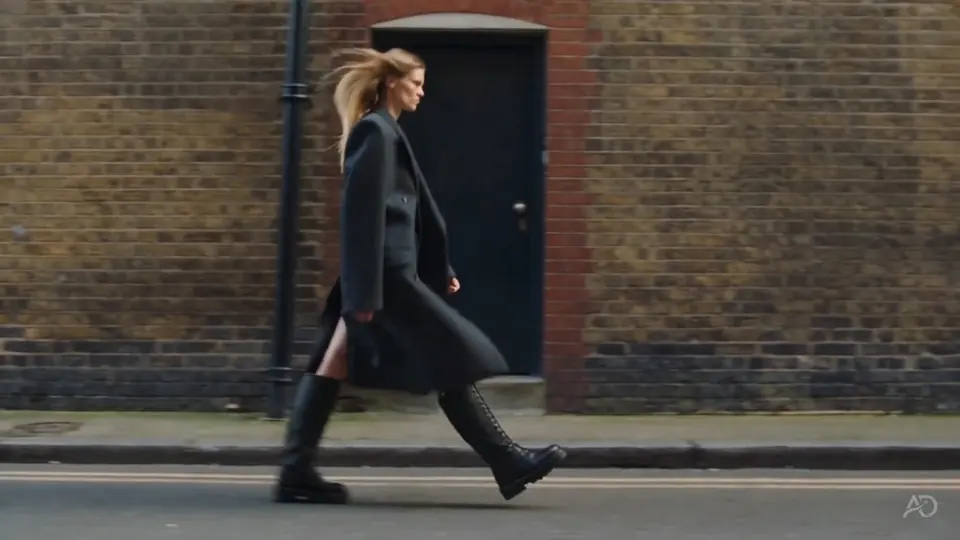
Fashion video frame from the Flow AI Video asset library
Flow AI Video
1

Step1: Enter a prompt or add an image

Describe the subject, action, and visual style, or add an image you have permission to use as a reference.

2

Step2: Choose a model and its settings

Select an enabled video model. Its available aspect ratios, resolutions, and durations appear in the generator.

3

Step3: Sign in and check the credit estimate

Sign in to generate. Review the model-specific credit estimate before submitting your video.

4

Step4: Preview and download

Open the completed result in your workspace, preview it, and download the video for your project.

From first idea to finished video

What can you create here?

Flow AI Video brings your prompt, reference media, and model settings into one workspace. Describe the shot, compare supported options, and keep your generated takes ready to review.

01 / START WITH AN IDEA

Start with a prompt or image.

Describe the subject, action, mood, or visual style you want. Add an image when you want to guide the video with a reference.

  • Text-to-video and image-to-video workflows
  • Optional image references
  • Prompts for motion, scenes, and style
01 / START WITH AN IDEAFlow AI Video
02 / CHOOSE YOUR SETTINGS

Choose a model and video format.

Select an enabled video model, then choose from the aspect ratios, resolutions, and durations it supports.

  • Model-specific settings
  • Portrait, square, or landscape formats where available
  • See estimated credits before generating
02 / CHOOSE YOUR SETTINGSFlow AI Video

03 / CREATE FOR YOUR GOAL

Make videos for social, marketing, or creative projects.

Create product ads, social clips, campaign visuals, or scenes for a personal project. Shape your prompt around the result you want.

  • Product and campaign videos
  • Short-form social clips
  • Creative scenes and visual concepts
03 / CREATE FOR YOUR GOALFlow AI Video

04 / REVIEW AND EXPORT

Preview your video, then download it.

Review the generated result in your workspace and download the video when it is ready for your project.

  • Preview completed generations
  • Download the finished video
  • Return to your assets and projects
04 / REVIEW AND EXPORTFlow AI Video

Who creates with Flow AI Video

AI video workflows for different goals

Explore creative directions for social posts, campaigns, product stories, and visual concepts.

Creators

Make the next idea easier to explore.

Draft short-form concepts, try visual directions, and turn a prompt or reference image into a clip you can review.

  • Test a new scene or style
  • Create clips for social channels
  • Keep prompts ready for another take

Creative workflows in motion

AI video examples

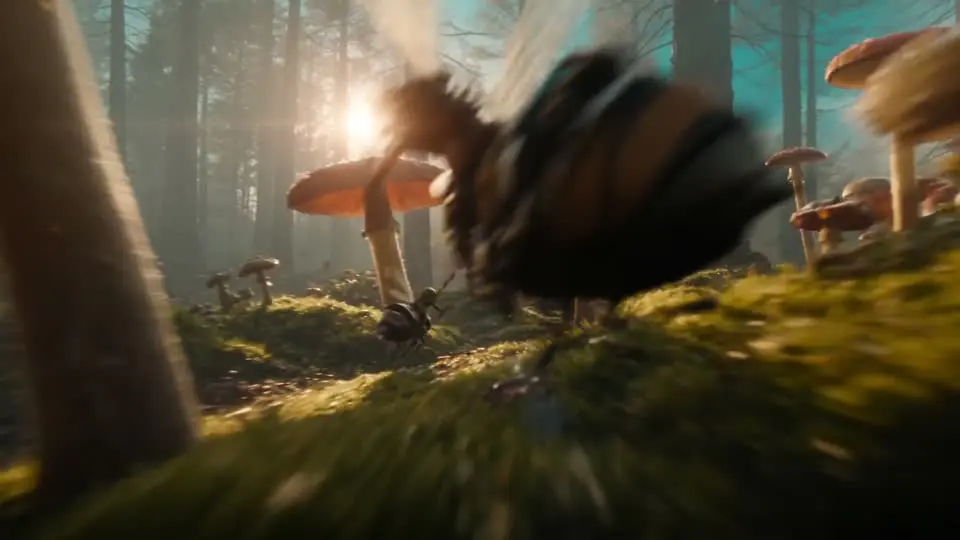
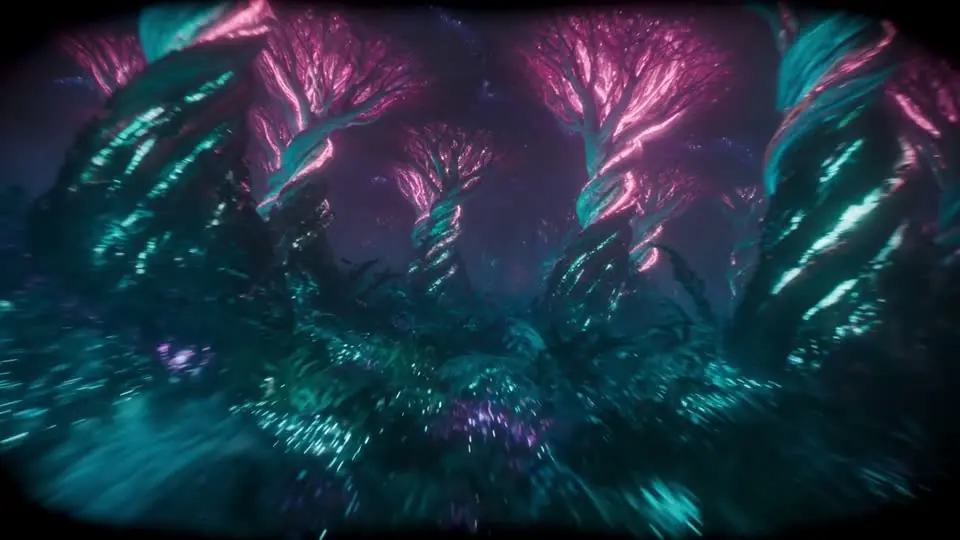
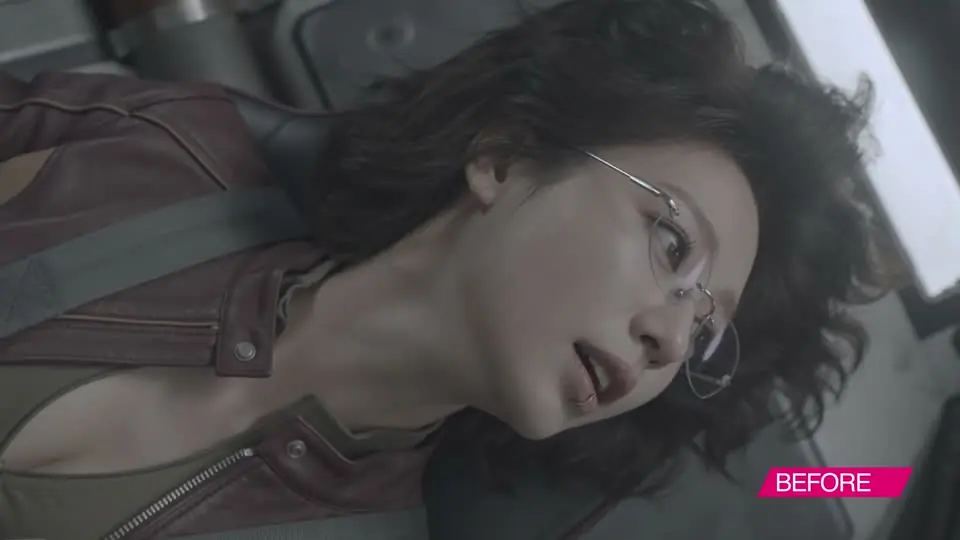
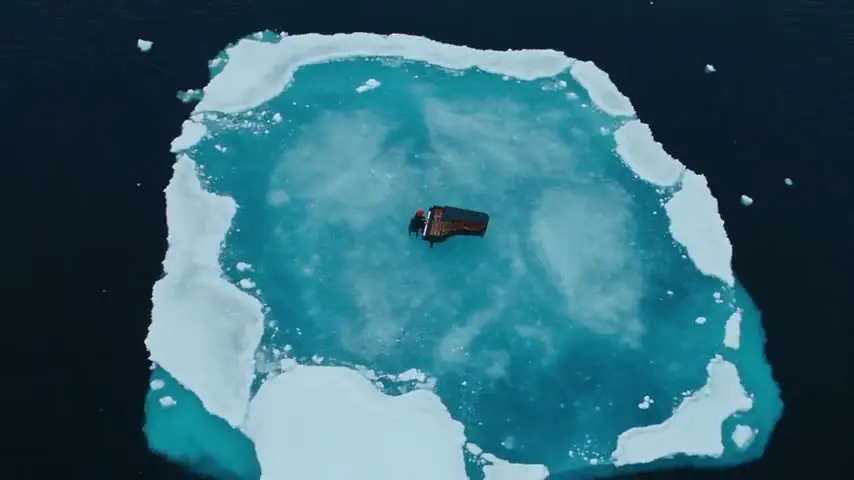
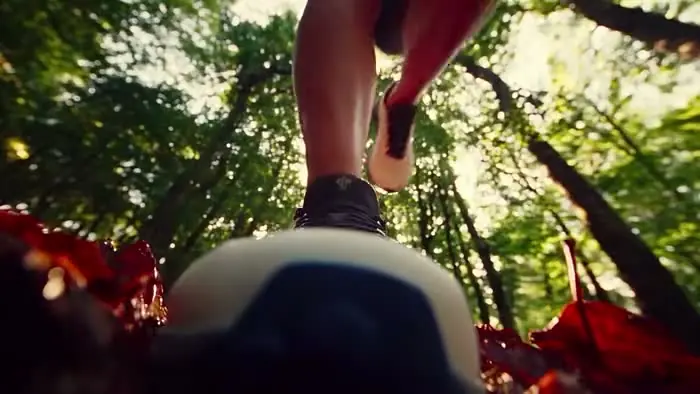
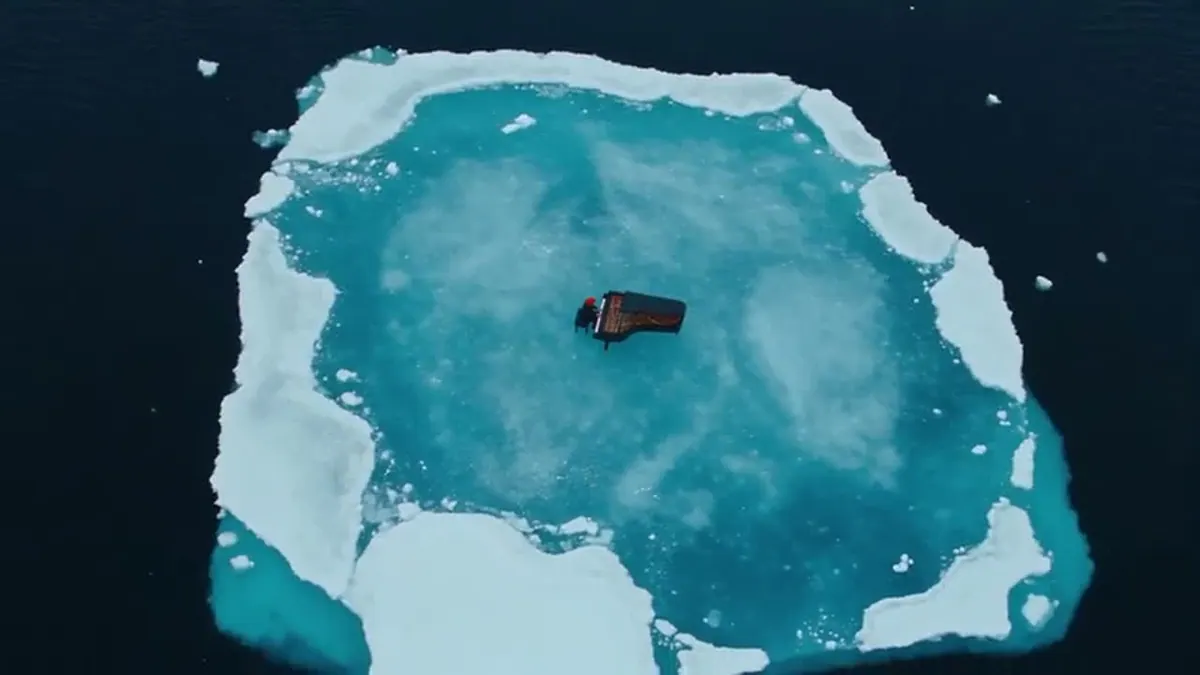
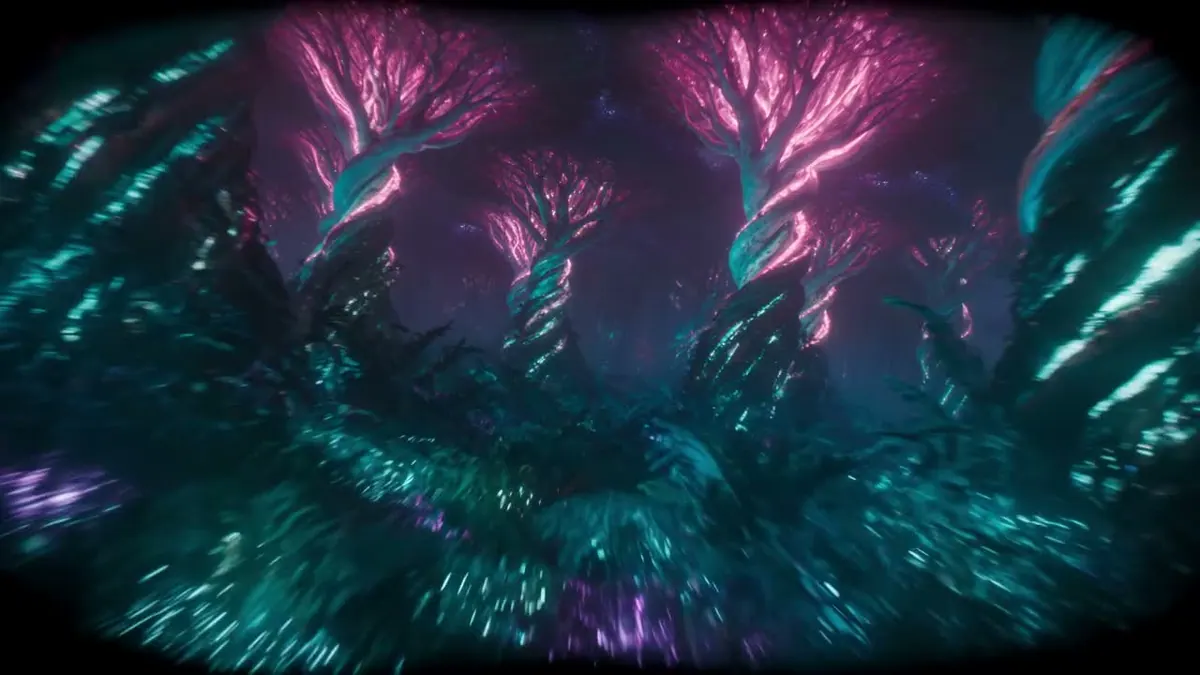
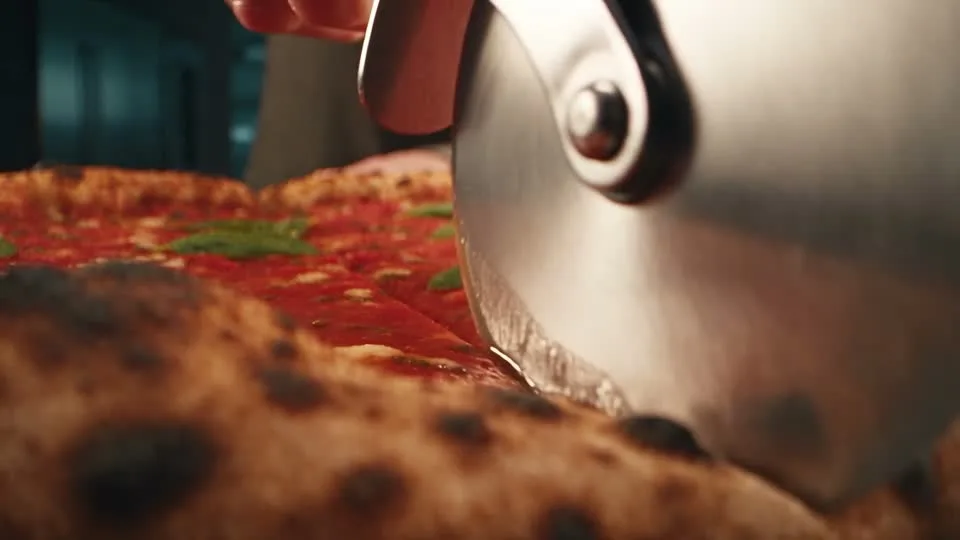
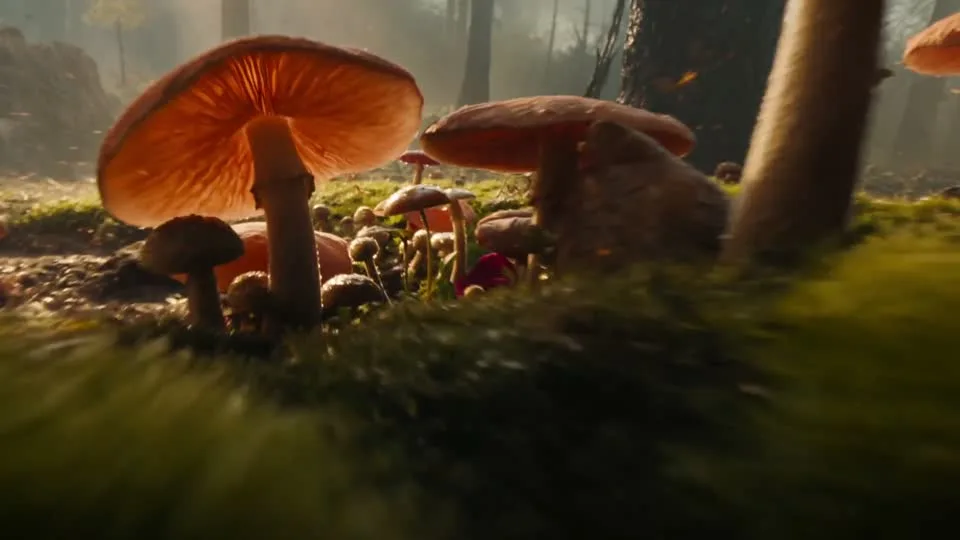
Explore visual references for camera movement, lighting, and composition. Use a direction to prepare your own prompt; these clips are not verified outputs of your selected model.

Flow AI Video

Example1 / 5

Show a product in motion.

Build a short product video around the detail, benefit, or launch moment you want people to remember.

Plans for your creative pace

Choose credits for your next video project

Compare monthly plans, annual savings, and one-time credit packs. Review the included credits before choosing; generation costs vary by model, duration, and resolution.

Prices are shown as a monthly equivalent and billed annually. All annual credits are issued upfront after payment and again after each successful annual renewal.

Creative

A year of credits for steady creation, billed annually.

$15.00$12.00/mo

Billed annually, $144.00/year

4,800 credits per year

All 4,800 credits issued upfront each year

About 120 4-sec 720p Veo 3.1 Fast videos

  • 12 months of Creative access
  • Full annual credit allocation upfront
  • Preview and download your results
  • Save with annual billing

Professional

For weekly publishing and campaign work, with annual billing.

$29.00$14.50/mo

Billed annually · $174.00/year

9,600 credits / year
9.6K24K36K

All 9,600 credits issued upfront each year

About 240 4-sec 720p Veo 3.1 Fast videos

  • 12 months of Professional access
  • For weekly publishing and campaign iteration
  • Choose from the available video models
  • Full annual credit allocation upfront

Studio

Annual capacity for batch campaigns and frequent publishing.

$129.00$99.00/mo

Billed annually · $1,188.00/year

60,000 credits / year
60K96K144K

All 60,000 credits issued upfront each year

About 1500 4-sec 720p Veo 3.1 Fast videos

  • For batch campaigns and frequent publishing
  • More room for retries and creative variations
  • Full annual credit allocation upfront
  • Preview and download your results

Example estimate: a 4-second 720p Veo 3.1 Fast video uses 40 credits. That is roughly 10 videos for 400 credits, 20 for 800, or 125 for 5,000. Actual costs vary by model, duration, and resolution; check the estimate shown before generating.

Need a hand?

Frequently asked questions

Get answers about creating with Flow AI Video, choosing a model, and paying for generations.

Contact support

What is Flow AI Video?

Flow AI Video is an online AI video generator that turns a text prompt or image into a video. Choose an available model and supported settings, then preview and download the result.

How do I create a video with Flow AI Video?

Enter a prompt or add an image reference, choose an available model and its supported format, then sign in to review the credit estimate and generate. Preview the completed video and download it from your workspace.

Can I create a video from a prompt or image?

Yes. Start with a text prompt or add an image reference. Available image-to-video options depend on the selected model and appear in the generator.

Is Flow AI Video free to use?

New accounts may receive a one-time welcome credit grant when it is enabled. The amount can vary, and a generation may cost more credits than your balance; check your account balance and the estimate shown before you submit.

How many credits does an AI video use?

Credit use depends on the selected model, resolution, and duration. Check the live estimate before generating; a shorter duration or lower resolution generally uses fewer credits.

Which video formats and durations can I choose?

Available aspect ratios, resolutions, and durations vary by model. Select a model in the generator to see its supported options before you create a video.

Can I upload any image or video as a reference?

Upload only images or videos you have permission to use. AI results may resemble other work, so review each result for accuracy, rights, and suitability before publishing. Terms of Service

What can I make with Flow AI Video?

Create social clips, product videos, campaign concepts, or creative scenes from prompts and image references. Shape the prompt around the subject, action, style, and output you want.

When do I receive my plan credits?

Monthly plans issue credits each month after payment. Yearly plans issue the full annual credit allocation upfront after payment and each successful annual renewal. Credit packs are one-time purchases and do not renew. Compare plans and credits

Your next idea is one prompt away

Ready to create your next video?

Your next shot starts with a prompt or image. Set up your Flow AI Video generation above, check the estimate, and follow its progress in Create.

See plans
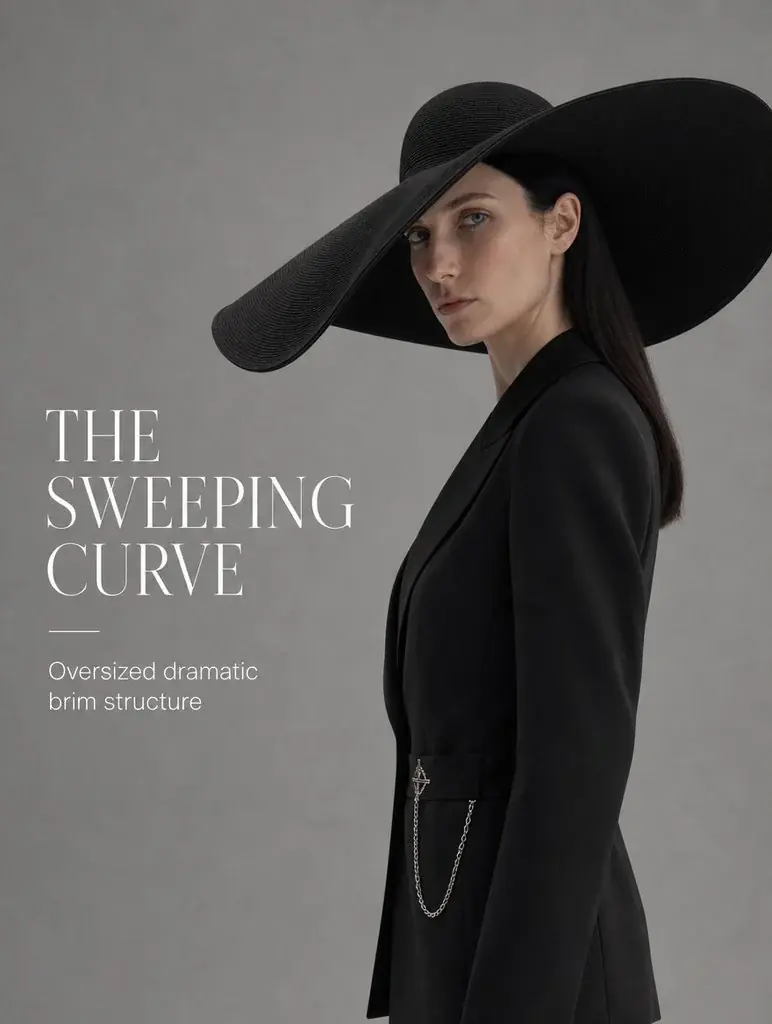
Skincare product visual from the Flow AI Video asset libraryFashion campaign visual from the Flow AI Video asset library